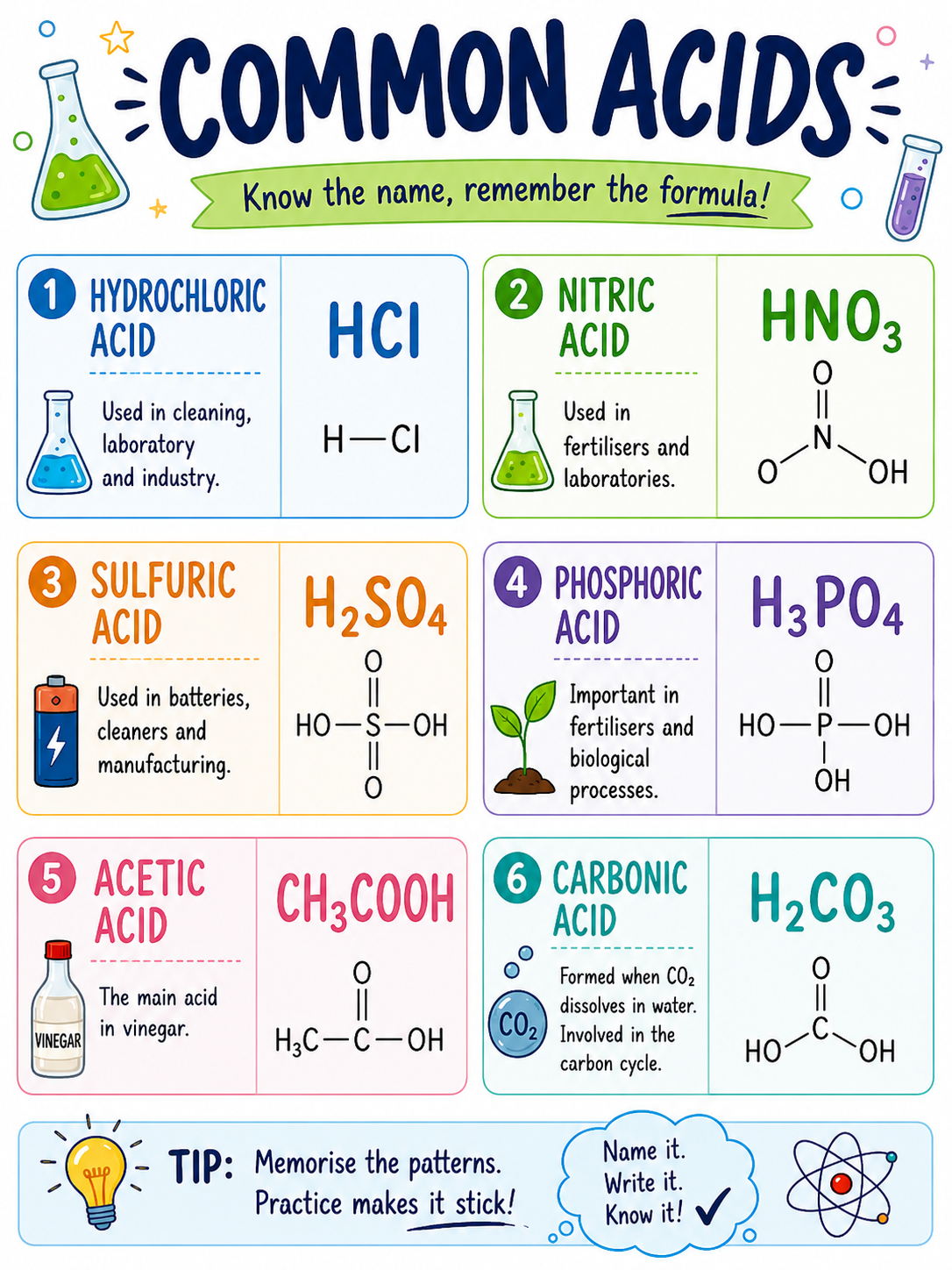
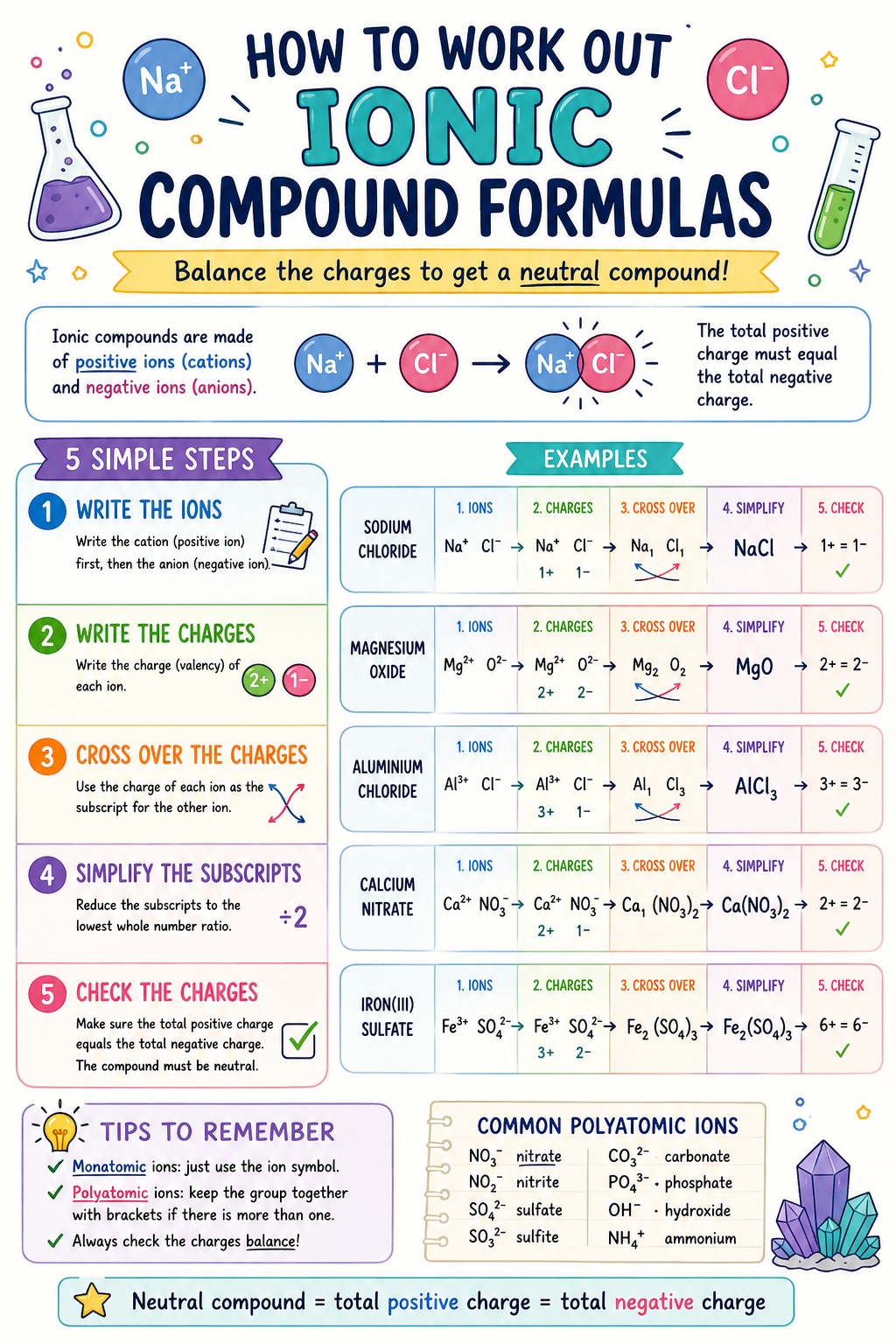
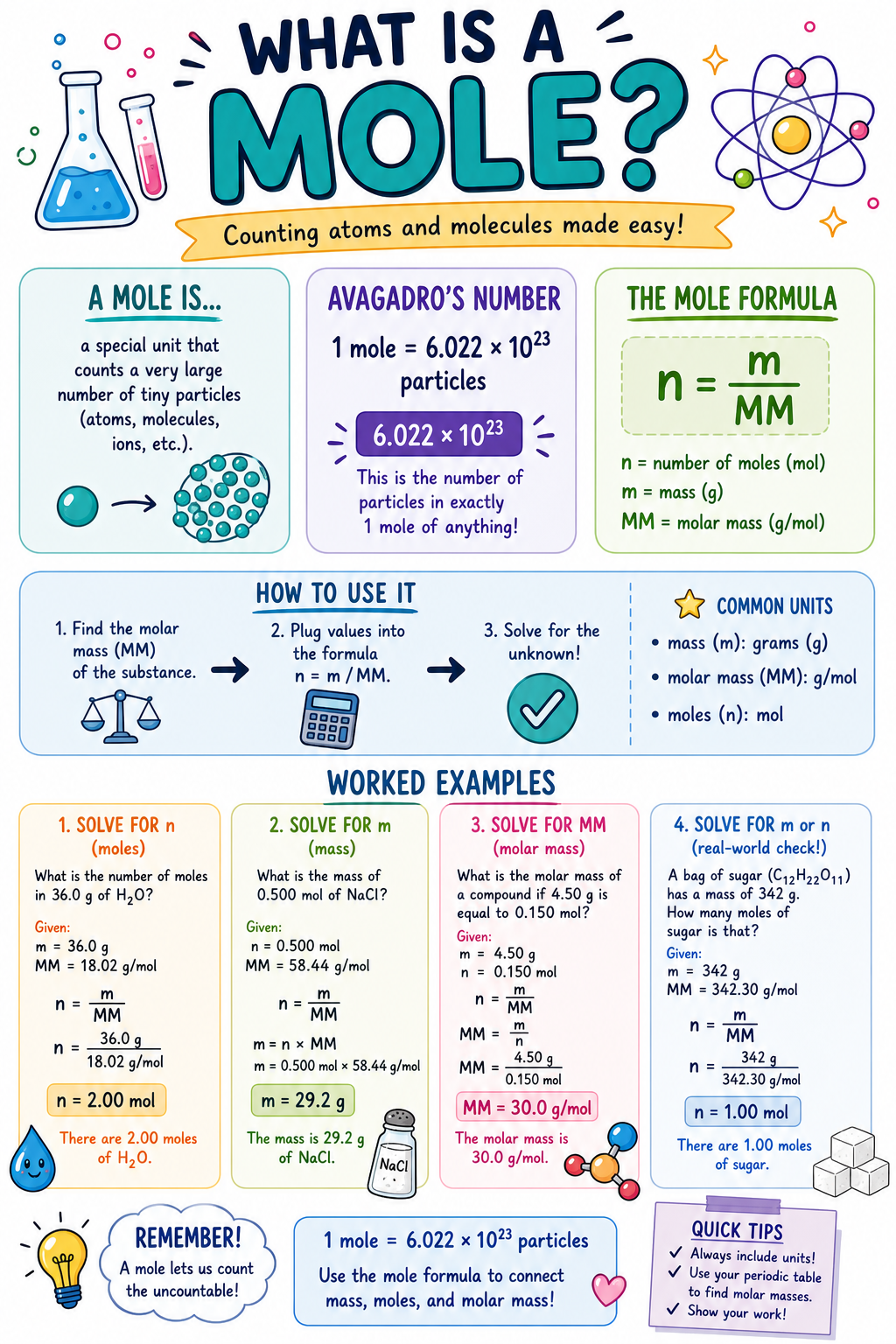
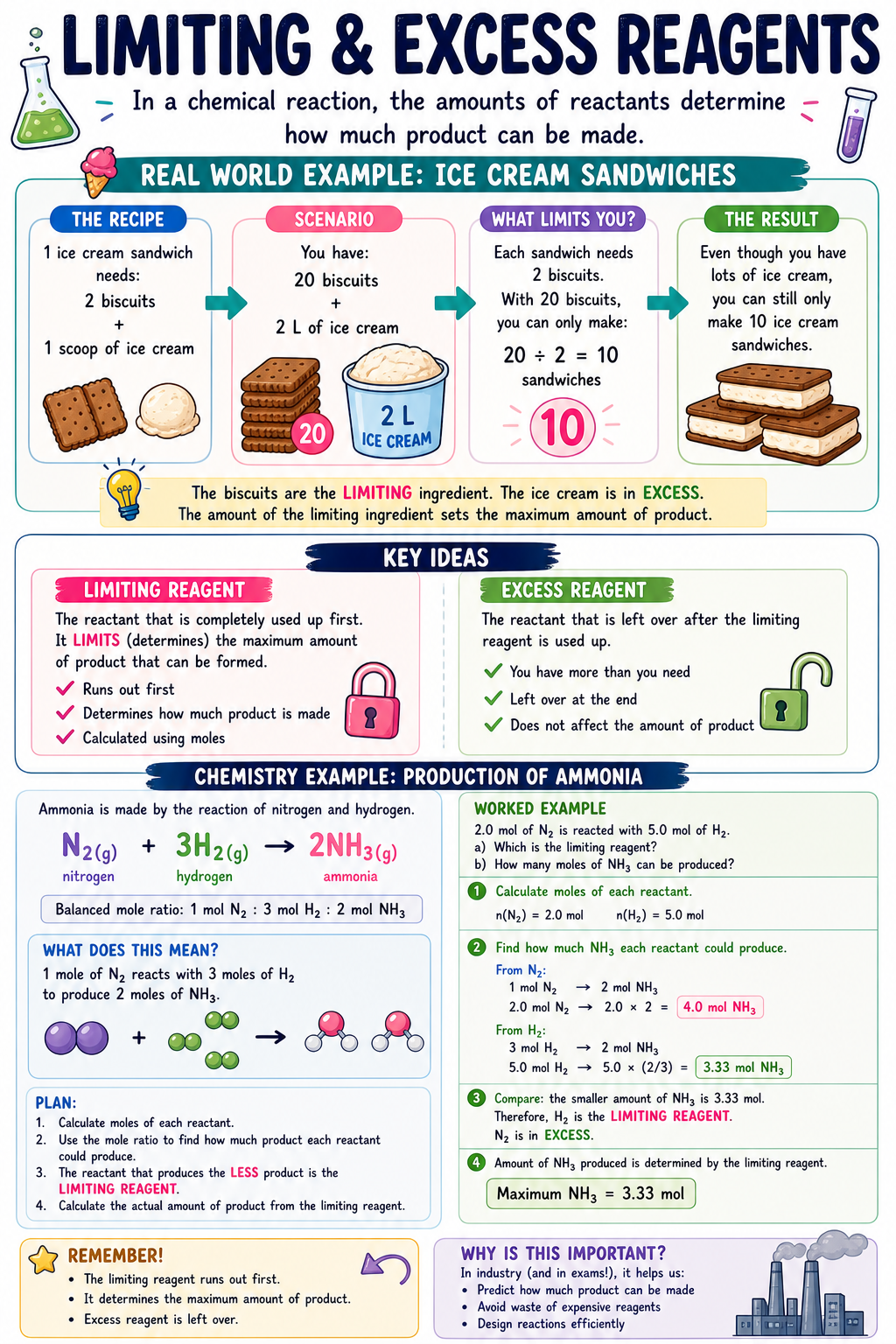
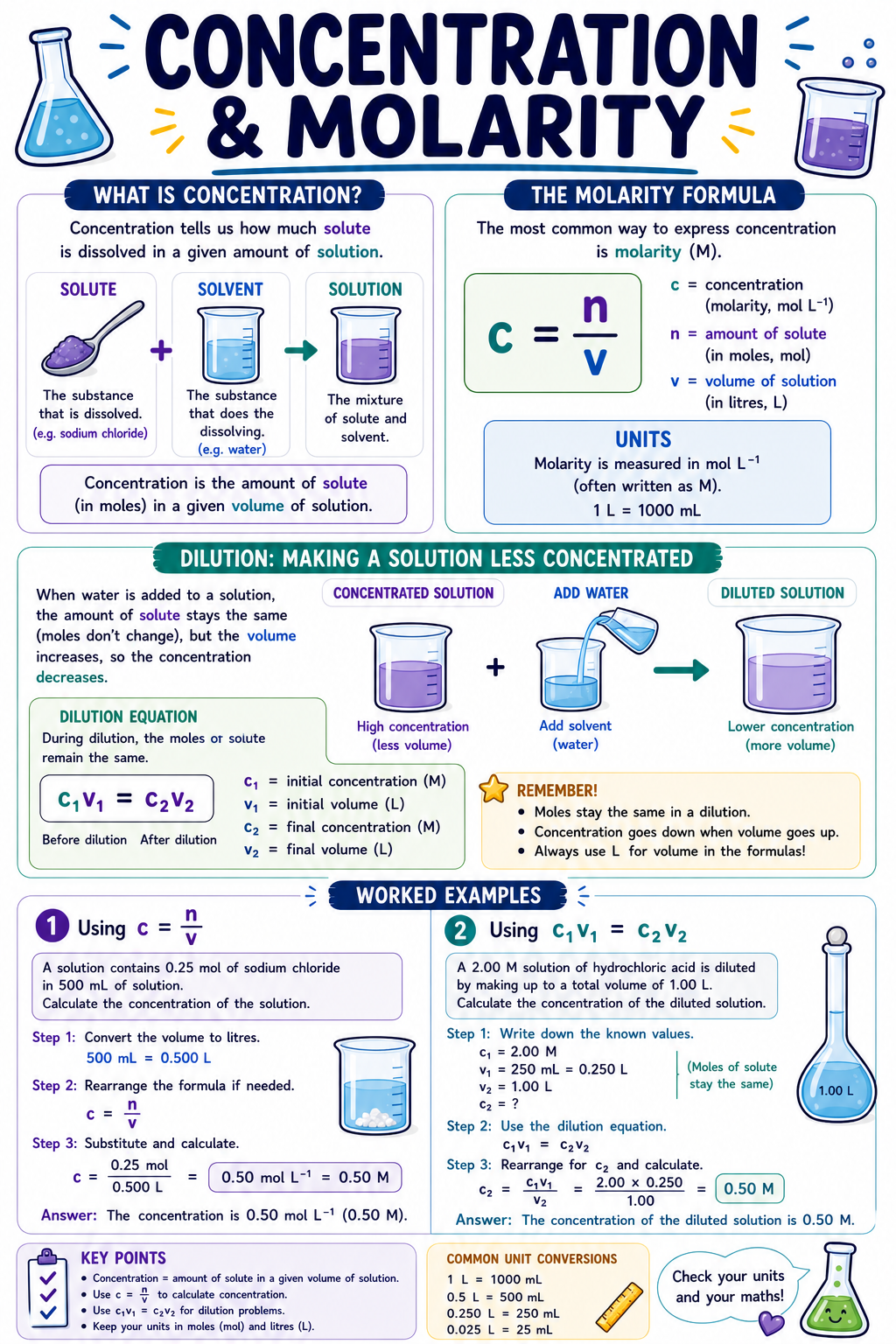
I love posters and infographics. There’ something about explaining a complex concept visually that makes it more fun, interesting and easier to understand. I would identify important concepts that students need to understand in chemistry and want to make a poster for it, but would need to use Canva to create it. Using Canva to turn an idea to a visual product takes time. A LOT of time.
Now I use Gen AI. I’ve been playing with prompts and have generated the following posters. I really like how I can tell Gen AI how I want the concept broken down (I do need to give very specific and explicit instructions on breaking down a concept in the prompt. It’s not as simple as “Make me poster on this concept.”) and it will create something for me in a matter of seconds. No more mucking around with Canva trying to find the right template to work from and finding the appropriate graphics.
So here is a small collection for Year 11 Chemistry Modules 1 and 2. Feel free to download. Print them in A3 or larger for your classroom and give them to your students as infographics for their study notes.
Let me know what you think. All feedback is welcome. On some posters, I had to tell the AI to make corrections. Some posters I’ve abandoned because the AI just kept making errors.
Late last year, NSWEduChat was released to all NSW public school students in Years 5–12. Since then, I have been intentionally exploring the use of generative AI. It can serve as a learning support tool in the classroom. This is preferred over it being used as a shortcut or replacement for thinking.
Here are some of the ways I’ve used NSW EduChat with my students. I will outline what’s worked well. Finally, I’ll share where I’d like to take this next.
Laying the Foundations Before Using NSWEduChat
Before students even typed a prompt into NSWEduChat, we spent time building a shared understanding of what generative AI is. We also discussed how it should be used responsibly. This foundation was essential.
We explicitly covered:
An introduction to generative AI – what it is, what it can and can’t do
An introduction to prompting – how the quality of input affects the quality of output
Teaching students when to prompt – helping them understand that AI is a tool to support learning, not replace it
This upfront work helped frame NSWEduChat as a thinking partner rather than an “answer machine”. All of these lessons are in the NSWEduChat staff resource library are in differentiated for Stage 3, 4, 5 and 6 students.
Supporting student writing
One of the most effective uses of generative AI in my classroom has been to support student writing.
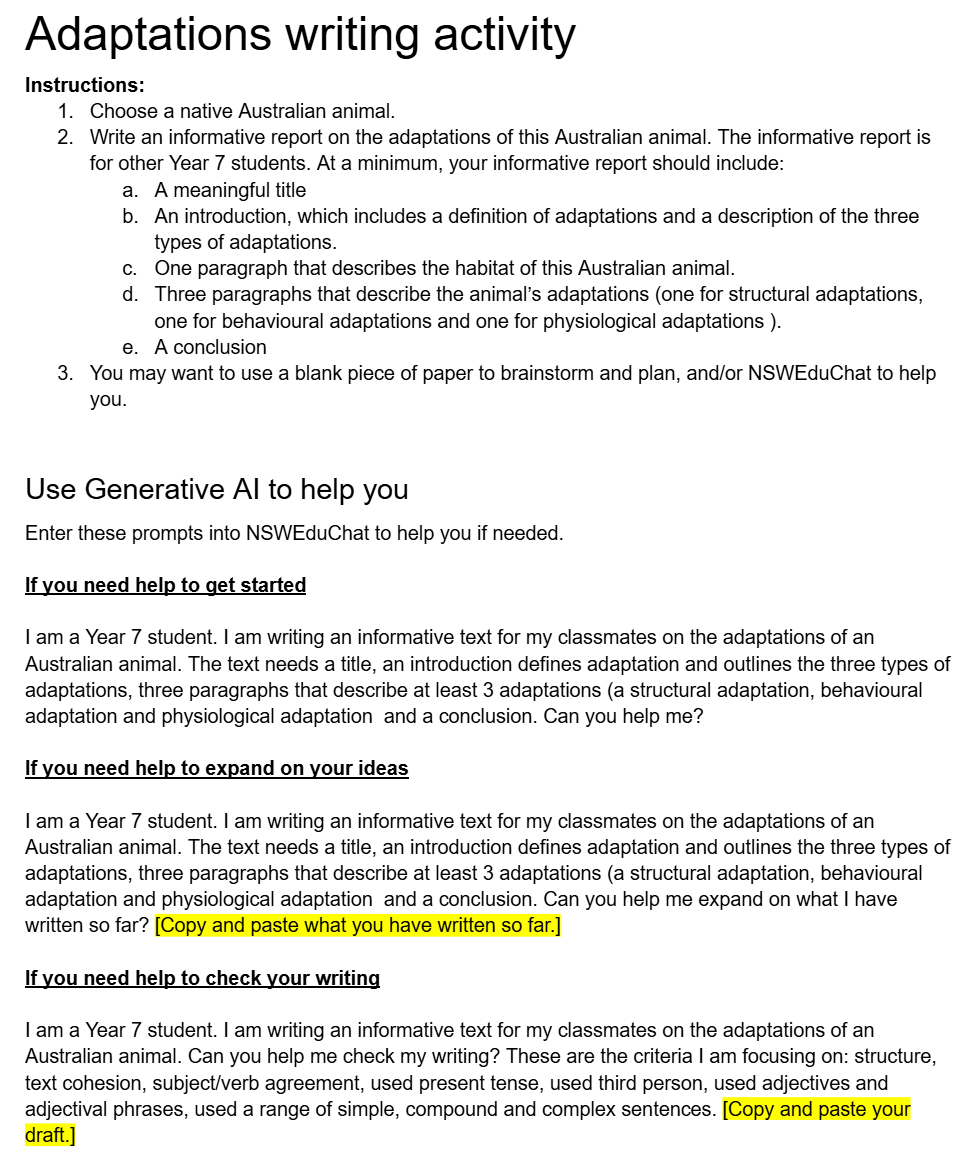
Students were writing an informative text on adaptations of Australian animals, and NSWEduChat was used in a differentiated way:
Helping students get started when they were unsure how to begin
Expanding on ideas by asking for examples or explanations
Providing feedback on drafts to help students improve clarity, structure, and scientific accuracy
Importantly, students were still responsible for evaluating the responses, selecting what was useful, and rewriting in their own words. The AI supported the process, not the product. An example of their activity sheet is below.
Supporting understanding and communication of complex concepts
NSW EduChat has also been valuable in helping students consolidate learning after hands-on activities. One example was to explaining the difference between experimental probability and theoretical probability. A samples of the activity sheets is below.
Supporting revision and retrieval practice
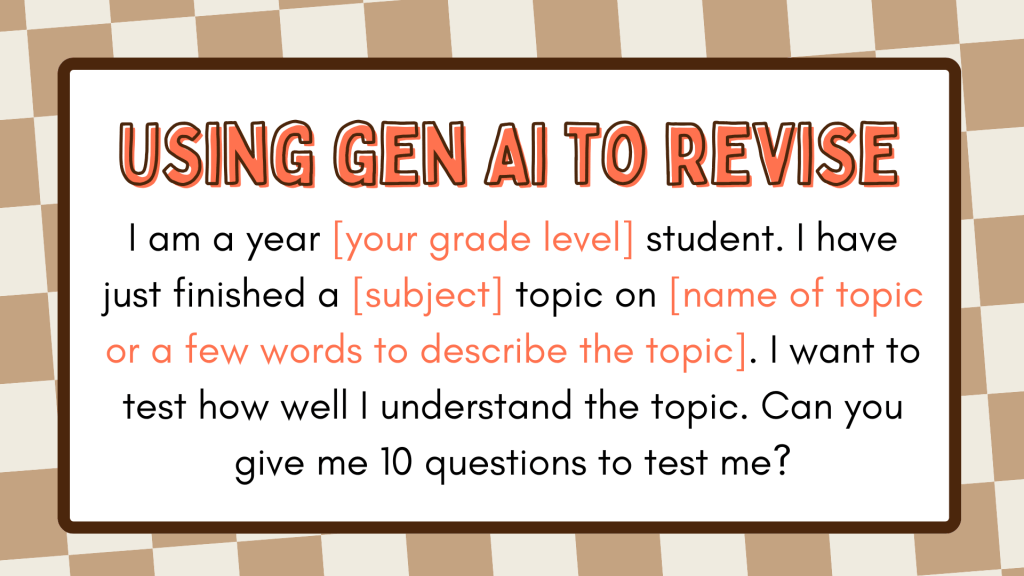
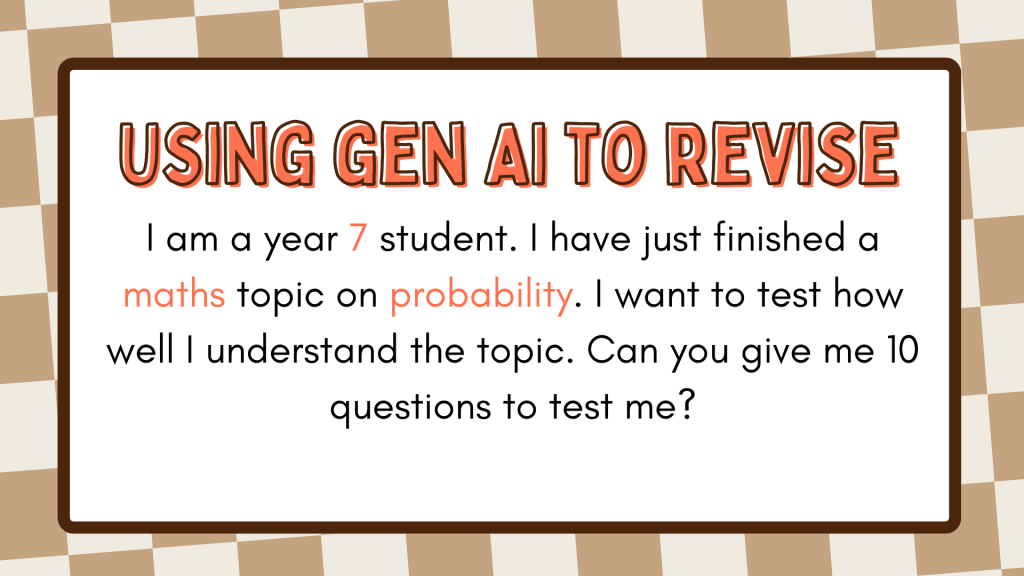
Another effective use was for revision. Students used NSWEduChat to:
Test their knowledge on a topic
Generate practice questions
Identify gaps in their understanding
This allowed students to take more ownership of their revision while still engaging in meaningful retrieval practice.
We found NSWEduChat started with simple questions first and asked students to explain their understanding. If students answered questions correctly, it will then move onto more challenging questions. The questions impressively aligned correctly with NSW syllabus outcomes.
What I Liked Most About Using NSWEduChat
What stood out most was how NSW EduChat supported independent extension.
Students with a strong foundation understanding were able to:
Extend their thinking
Ask deeper questions
Clarify misconceptions independently
This, in turn, freed me up to spend more time providing one-on-one support to students who needed it most. The classroom dynamic shifted in a really positive way.
What I’d like to do next
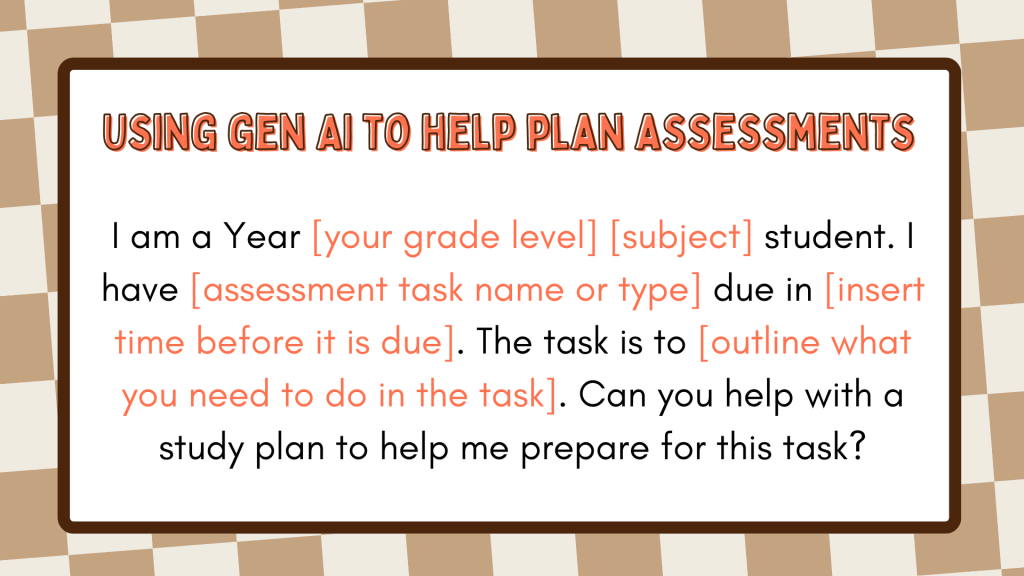
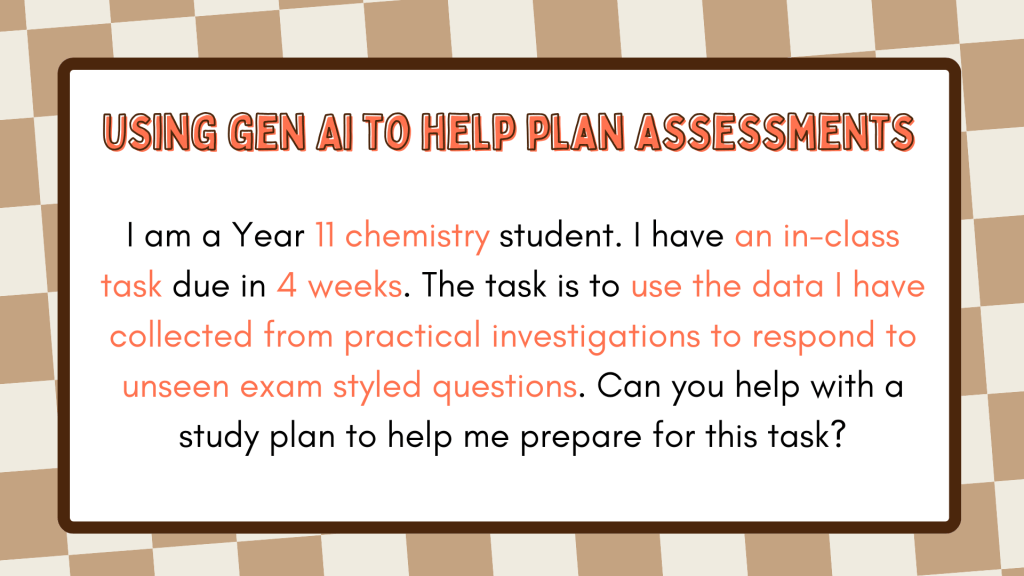
My next focus is to create a range of prompt scaffolds for different learning situations. The goal is to help students better understand:
When it is beneficial to use NSWEduChat
How to prompt effectively depending on the task
Something like the below.
Using generative AI tools like NSWEduChat in the classroom has reinforced for me that their real value lies in how thoughtfully they are used. When embedded with clear expectations, explicit teaching, and strong learning intentions, these tools can enhance understanding, support independence, and free teachers to focus on what matters most — meaningful interactions with students.
This is very much an evolving space, and I know there are many creative, effective approaches being prototyped in classrooms. I’d love to learn from others.
How are you using generative AI with your students?
What’s worked well, and what are you still grappling with?
Please share your experiences, ideas, or questions in the comments below.
An AI ‘takeover’ in schools is often portrayed as being inevitable and the teaching profession has little control over it. That teacher skepticism to AI tools is a barrier to “progress”. This false narrative displaces teachers as the experts of teaching and learning. Is student uptake of AI more unprecedented than expected? Yes. Can more be done in the space of professional support for teachers? Yes, a lot more. This is why Michael Sciffer and I led a session at the Quality Teaching in Practice Conference (QTiP25) at Newcastle University. We aimed to show teachers how they can empower their students to become ethical and critical learners in the age of AI; to challenge situations when AI diminishes rich learning opportunities. When we designed our session, we found the space was dominated by for-profit technology companies promoting their AI products (often under the guise of professional learning and teaching resources). What was missing was supporting teachers to teach students how to have conversations on the ethical and critical use of AI, and challenge each other’s assumptions, from academic situations to everyday life scenarios. That’s what our QTiP25 session focused on and this blog post summarises our session and resources. Our session was strongly influenced, and builds on, the fantastic professional learning on generative AI from NSW Department of Education.
Thinking scaffold to decide IF and HOW AI should be used
We adapted the GENAI assessment scale into a thinking scaffold that school-aged students and teachers can use to discuss how AI and enhance and diminish their learning. The scaffold has six levels of AI integration and asks students/teachers to think about the positives (pluses), negatives (minuses) and interesting considerations for each level of AI integration. Students/ teachers then use scaffold to decide and justify on a level of AI integration that would best enhance their learning. the The scaffold can be used to co-create agreed expectations of the uses of AI in a range of learning tasks, projects and units of work. The scaffold is designed to be used in small group situations, but can used individually.
Classroom conversations to co-create expectations of AI use
After each small group completes the AI thinking scaffold, the group nominates one representative to join a Socratic seminar. To support students (and teachers) to have robust conversations to co-create agreed expectations of AI use from diverse opinions, we selected specific Socratic sentence starters. The sentence starters are selected to encourage students (and teachers) to present different views, challenge each other’s assumptions, to ask each other to justify their reasoning and to support each other.
We also designed additional scenarios for students and teachers to think about where the use of AI extends beyond a learning activity and the classroom. They are designed to be used with the Socractic sentence starters to challenge the impacts of AI use in the context of integrity, equity, honesty and essentially, what it means to be human.
Our session at the QTiP25 conference emphasised the importance of equipping teachers and students with the skills to engage critically and ethically with AI. By enabling robust discussions to co-create expectations around AI use, teachers, as the experts of teaching and learning, can lead their students to collectively decide how AI is used (or not used at all) to enhance and protect rich learning opportunities.